PromptLB brings curated AI prompts and paired examples to Android
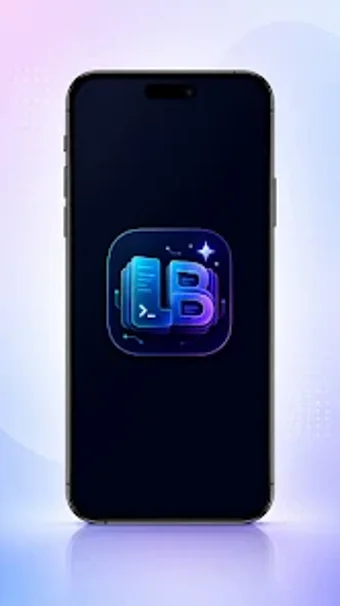
PromptLB from Bajwa App Studio is a creative prompt library for Android, designed to help users overcome blank-page block when generating AI images and text. The app provides an organized catalog of ready-made prompts, one-tap copying, and trending ideas for fast transfer into external generators. It pairs example images with each prompt and includes categories for portraits, cinematic scenes, fantasy art, and professional photography. Social creators and hobbyists gain creative inspiration and practical reusable prompt structures for higher-quality outputs.
How the app jumps-starts creative work from a blank page
The app functions as a central repository of curated prompts and visual examples, built to eliminate blank-page syndrome for AI image and text generation. It contains an extensive library of ready-to-use prompts and pairs each entry with AI-generated images for visual verification. This pairing helps creators test expectations before sending text to a generator, making exploration faster when users need social media visuals, concept art, or photography-style images.
How the app moves prompts into external AI generators
The app simplifies transfer from discovery to creation with a one-tap copy workflow designed for use with external generators. Supported items include image and text prompts ready for paste into other tools. Setup is lightweight: the Android installer runs at roughly 35 MB and the distribution is via the store, so getting started requires only installation and a chosen external generator. One-tap copying reduces manual retyping between apps.
Who gains most from its browsing and organizational design
The app's clean, modern interface and categorized layout support quick discovery across portraits, cinematic scenes, fantasy art, and professional photography. A built-in favorites system lets creators bookmark prompts for recurring projects. These elements suit social media professionals, digital illustrators, and casual makers who need repeatable prompt structures during daily creative sessions. Browsing includes a trending ideas section to surface popular visual styles without guesswork.
What to expect about verification, updates, and independence
The app pairs source prompts with example images so users can visually verify likely outputs before using an external model. The developer positions the tool as independent, not affiliated with third-party platforms such as Midjourney or OpenAI, which clarifies the app's role as discovery rather than generation. Regular updates keep compatibility with recent Android releases, and a trending feed helps maintain relevance as creative styles evolve.
To sum up: a practical pick for idea-focused creators
To sum up, the app is a practical option for Android creators who want steady creative prompts and faster idea-to-image workflows. It helps users turn vague concepts into testable inputs, though final image quality depends on the external generator chosen. Pro tip: keep a short library of three go-to templates and experiment across two different generators to learn which wording produces your preferred visual style.